* FOR ULTIMATE OWNERS

Your Ultimate, at your fingertips

Everything else in Retro Commander works standalone - this is the part that lights up when you own the hardware. Connect an Ultimate and the app becomes a live remote for the real machine: find it, browse it, feed it, and launch straight onto it, all from the keyboard.

Find it in seconds

Click Scan and Retro Commander sweeps your subnet for an Ultimate - it pings TCP/80 and confirms over the REST API in roughly 1–2 seconds. No fishing IP addresses out of your router, no remembering them.

Prefer to be explicit? Type the address yourself and hit Test connection for an instant status dot. Once it's found, the app reconnects on its own next time.

SCANNING 192.168.1.0/24 ...
.....................
FOUND: ULTIMATE-64
ADDR : 192.168.1.64
REST : OK
FTP : OK
READY.
CONNECT
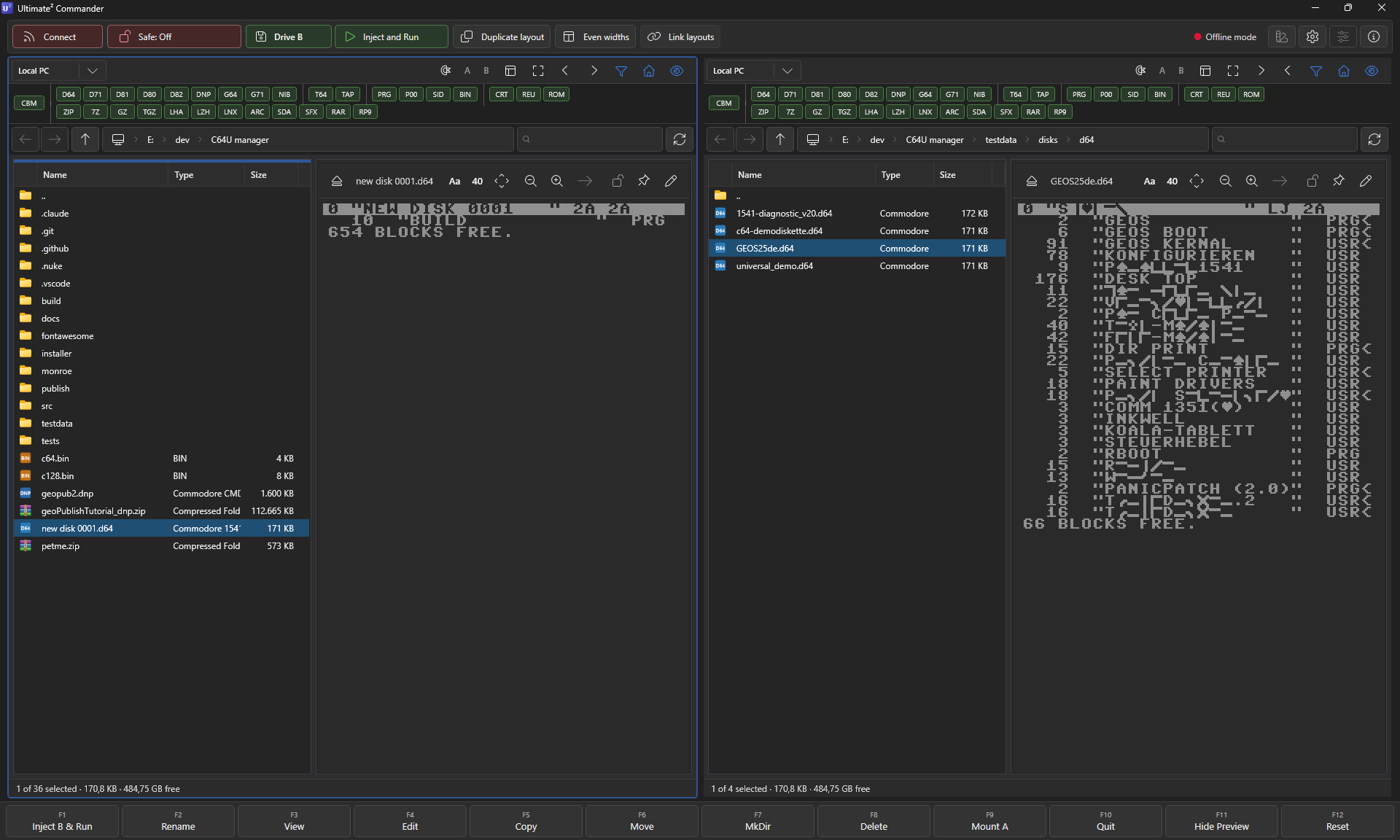
Retro Commander dual pane: local PC on one side, the Ultimate's filesystem on the other.

Browse it like a local drive

Your PC sits in one pane, the Ultimate's storage in the other. Drag a file across and it's written in real time, across the wire, onto the device's SD card or flash. Step into a D64 that lives on the device and your edits land live on the other end of the cable - rename, delete, drop files in - the same Norton-style moves you use locally, pointed at the real machine.

Two transports, one window. Files move over FTP; commands (launch, reset, mount) go over the REST API. No juggling FileZilla and the device's web UI in separate tabs.

* THE PAYOFF

Launch straight onto real hardware

Highlight a PRG - even one buried inside a D64 inside a ZIP - and press F1. The app mounts it and starts it on the actual machine across the room; no squinting at the C64's own file browser, no hunting for the right disk. Hold a modifier to pick how.

Every launch can carry a pre-reset: None (the safe default), Hard reset (chip reset, RAM cleared), or Reboot Ultimate (a full firmware reboot, gated behind a setting because it ends any running session).

Three ways to launch a PRG

F1 Inject - streamed straight into RAM and run. Fastest, no drive state touched.
Shift+F1 Mount A - the parent disk mounts on drive 8 like a real 1541. For multi-load games.
Ctrl+F1 Mount B - same, on drive 9. Keeps drive 8 free for a second disk.
Alt+F1 Load only - put it in memory without running, for when you want to poke first.

Take the controls

Retro Commander reads the device's whole state and drives its switches - so you rarely have to touch the C64 itself.

Live status readout

A status tab mirrors the Ultimate's current state, pulled straight from the device - no guessing what it's up to.

All settings, remotely

An All Settings view shows your device's full internal configuration - read it from your desk, no on-screen C64 menu required.

Power & reset

Soft reset, hard reset or power-off, sent from your PC. The full firmware reboot stays gated behind a setting so it never fires by accident.

Shutdown on exit

Flip one setting and closing Retro Commander tells the Ultimate to power the Commodore down cleanly behind you.

Remote write-protect

Safe Mode can block every write to the device over FTP - browse and launch all you like without touching a byte.

Offline mode

A kill-switch silences every REST, FTP and heartbeat call - for the road, or when the Ultimate is powered off.

* THE FUN ONE

Play SIDs on the real chip

Browse your SID collection on the PC, pick a Rob Hubbard classic, and send it across. The Ultimate hands it to the actual SID chip - or its FPGA recreation - and the tune plays out loud on real hardware, across the room.

No load, no run, no fuss - the quickest way to turn a folder of .sid files into a jukebox for your Commodore.

LOAD"MONTY_ON_THE_RUN.SID",8
SEARCHING FOR ...
READY.
> STREAMING TO SID 6581
> NOW PLAYING: ROB HUBBARD
> CHIP: REAL, NOT EMULATED
[============------] 70%
READY.
PLAY

Plug in and take command

Free 14-day trial, full app, no card up front. Live Ultimate control is unlocked from the Standard tip up.